

Here’s replacement copy for your RunSignup editor. Your sign-up form confirms October 3 at 6:00 AM with Joe; later Saturday start times can be confirmed through each week’s sign-up.
Why suffer alone? Bring your bike. Find your people.
Keep your fitness rolling this October with coached indoor cycling, Saturday movie rides, and a community that makes showing up easier.
Our fall sessions focus on maintaining fitness, building aerobic endurance, and improving cadence—with workouts adjusted to your fitness level. Cyclists and triathletes are welcome, whether you’re coming off race season or simply looking for company on the bike.
Towels, water, and coffee are always provided.
Week 1 Reserve your spot for September 29, October 1, and October 3
Week 5 October 27, 29, 31 (Halloween Costume Ride)
For later October dates, contact Kurt at 231-580-1103 for the current sign-up.
October Class Schedule
Tuesdays & Thursdays
4:15 AM • 5:30 AM • 8:30 AM
Enjoy the same 55-minute workout at every time slot, with effort tailored to each rider. Sessions combine steady aerobic riding, controlled tempo work, and cadence practice.
Every workout includes an official 15-minute warm-up.
For 5:30 AM and later classes, allow up to 15 additional minutes of easy spinning while everyone arrives and gets settled. The group workout may begin sooner when everyone is ready.
The 4:15 AM workout starts on time. Complete any independent warm-up beforehand.
Saturdays: Movie Ride Mornings
Settle in for two hours of indoor endurance riding, a movie, and good company.
Start with 15 minutes of easy spinning on your own, followed by the two-hour programmed ride, which includes its own official 15-minute warm-up. Allow approximately 2 hours and 15 minutes total.
October rides: 3, 10, 17, 24, and 31.
October 3 begins at 6:00 AM with Joe. Check the weekly sign-up for subsequent Saturday start times.
Halloween Week: October 27–31
Expect spooky workout names and plenty of October fun!
Saturday, October 31: Halloween Costume & Movie Ride
Wear a costume you can comfortably pedal in, join the movie ride, and enjoy treats afterward. Everyone is welcome to bring something to share. Keep loose costume fabric secured and clear of moving bike parts.
Pricing & Memberships
-
$20 — Drop-In: One Bike Lab session.
-
$125 — 8-Punch Card: Eight sessions, valid for 12 months.
-
$150/month — Unlimited Membership: All scheduled Bike Lab sessions, including Saturday movie rides, with priority station selection on a first-come basis.
-
$10/month — Optional Bike Storage: Leave your bike at the Lab for convenient access at your scheduled sessions.
Please reserve each visit so we can plan stations and setup.
Payment: Venmo @Rose-Coleman-27. Include your name and the pass or membership you’re purchasing.
Please provide at least 24 hours’ notice when canceling a reservation. Exceptions apply for illness and weather.
What’s Included
-
Structured workouts with coaching cues on screen.
-
Effort targets suited to your fitness level.
-
Help with CompuTrainer setup.
-
Fresh towels, water, coffee, and fans.
-
Music during weekday sessions and movies on Saturdays.
-
Encouragement, accountability, and people to ride with.
Restroom and shower access at Knorr Marketing or the Old YMCA requires advance arrangements. Contact Kurt before your visit.
Bring Your Bike—Check Compatibility First
Bike Lab uses CompuTrainers, which require a compatible connection at your rear axle.
Quick-release bikes: Use a trainer-compatible quick-release skewer. Contact us if you need help checking yours.
Thru-axle bikes: You’ll need a compatible trainer axle. Visit the Robert Axle Project Axle Finder, select the trainer option, and identify the axle for your bike—or ask your local bike shop for help.
Confirm bike fit and trainer clearance before ordering an adapter or attending your first session.
Getting Started
-
Reserve a class using the current weekly sign-up, or contact Kurt for help.
-
Choose your pass or membership and pay through Venmo.
-
Confirm bike compatibility before your first visit.
-
Bring your bike, cycling shoes, and comfortable riding clothes. Bring any preferred ride nutrition for Saturday’s longer session.
-
Allow extra time for your first setup. Contact Kurt beforehand so we can get you ready to ride.
Towels, water, and coffee are waiting. After your ride, please wipe down your bike and station for the next rider.
Location & Contact
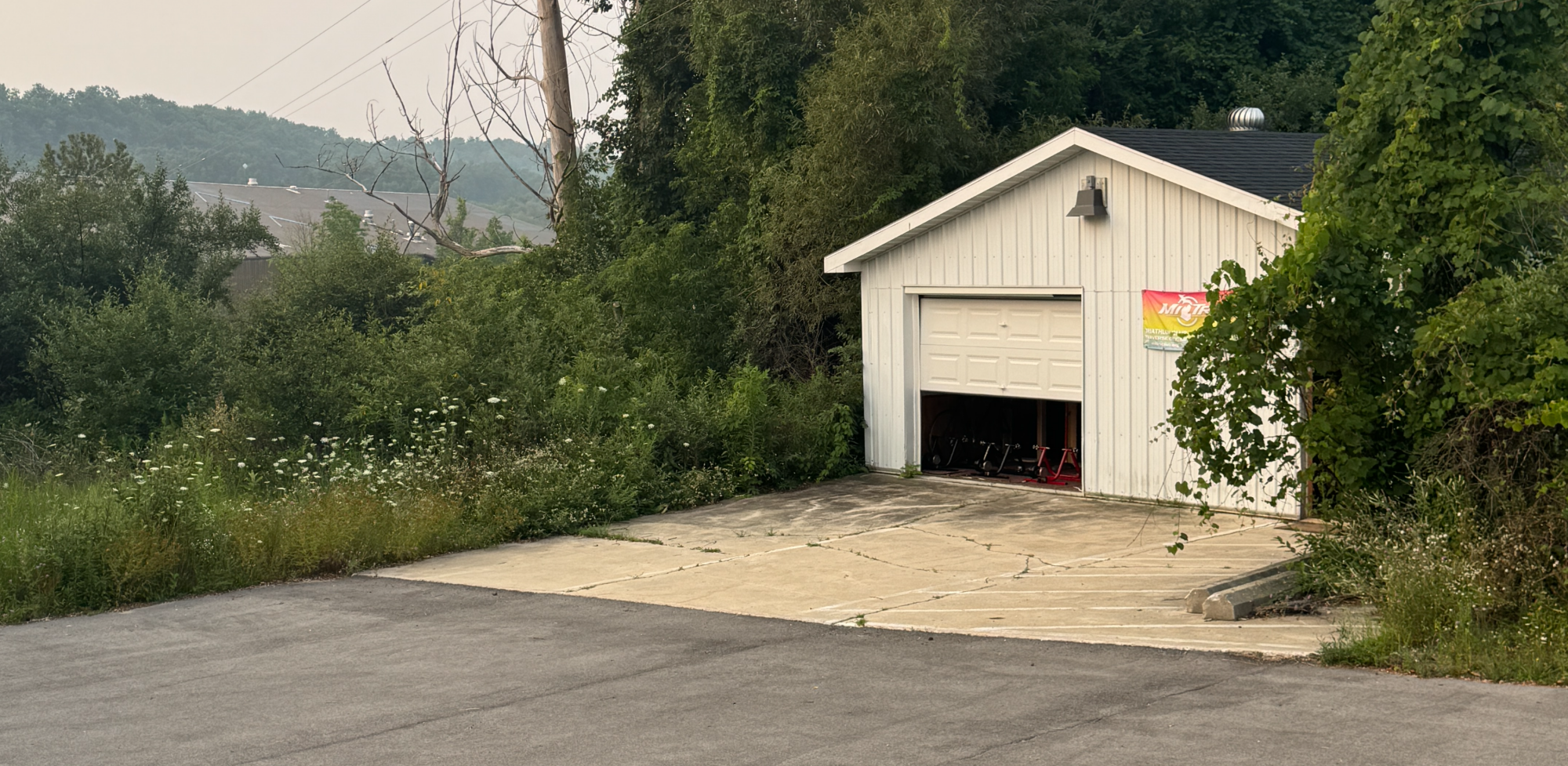
MiTri Bike Lab
Logan’s Landing Business Campus — Old YMCA side
Traverse City, Michigan
Call or text Kurt: 231-580-1103
Email: kurtstrasser@me.com
Stay consistent. Enjoy the company. Ride together this October.
Update the dated sign-up link each week. The axle guidance uses Robert Axle Project’s official finder. The Robert Axle Project


How to Calibrate at Bike Lab
This is a new text field ready for your co
HOW TO CALIBRATE AT THE LAB
Allow at least 5-10 minutes of riding at a decent speed to warm up the bike and CompuTrainer.
When ready, stop the bike with the bike wheel brakes to a stop.
Unplug (the external PC Cable or when looking at the unit reach your hand to the back right corner plug) the back cable
Next you will watch the top left of your screen, this is the MPH number.
Pedal in hard gearing and get up to 25 MPH and then let it coast until your back tire stops, do not hit brake.
Once back wheel stops you will see "pounds of pressure" in the top right of screen (this is where the MPH was)
You need to be between 2.75 - 3.25 for the TAF Bike Lab
If you are below 2.75, get off bike and tighten (Righty Tighty in direction of turn) the resistance knob on back of unit under back wheel
If you are above 3.25, get off bike and loosen (Lefty Loosey in direction of turn) the resistance knob on back of unit under back wheel
Re-do steps 4-6 until you are with 2.75-3.25
Once you are within range. Tap the "Set" button F3 or the middle lower button on the CompuTrainer screen
Plug the cable you unplugged back in
Screen will say Pro and you are all set.
See example video link in orange title "TAF Bike Lab CompuTrainer Calibration"
Link to video also here: https://youtu.be/-sRqs5vSlBk

